

There are a number of problems with stock images:
- Most of them are staged, cheesy, unrealistic images
- Stock image search algorithms no push up results for photos that include some design elements (some words for example), stuff that is better being taken care of by the presentation designer
- Many people are over doing the images, trying to use a photograph to visualise a concept that does not really need visualising. The result: an endless string of “stunning” images that distracts the audience rather than support your story
- Stock images are so over-used that a presentation who uses them now almost look as bad as one that consist of list of bullets. It is an instant recognition: you see the first page of a bullet point presentation, you see the first page of a stock image presentation and you think “uh oh, the next 30 minutes it is going to be one like these”
Here are the steps I go through when trying to find an appropriate visual concept for a slide:
- Do I need an image at all? Or can a simple box composition with some text do the job?
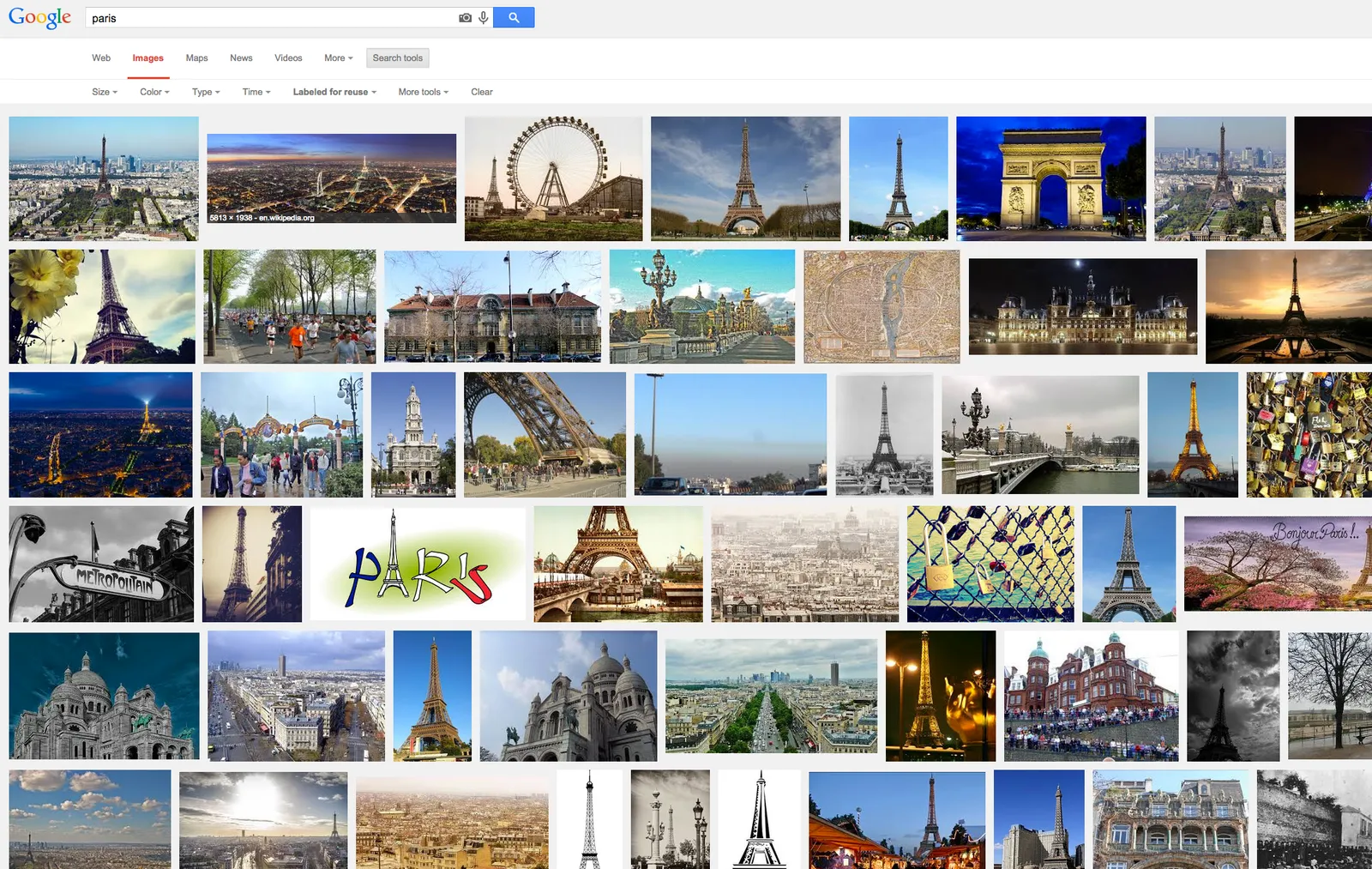
- If I need images, is there some consistent set of photographs I can use throughout the presentation? Art? People using mobile phones? Retro? Paris?
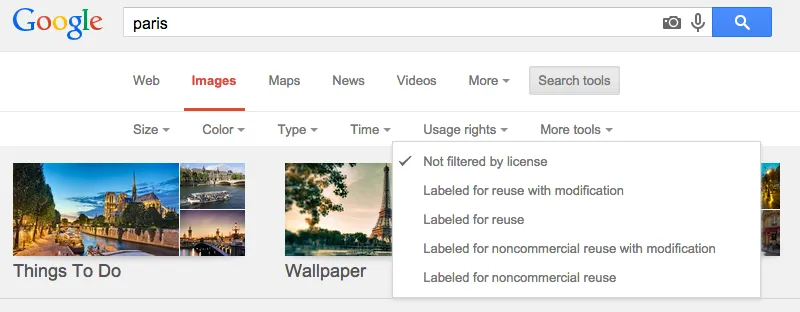
- Do a quick Google Image search with search tools set to “labeled for re-use” to see whether there are any good free/real images out there (always check the actual image for re-use rights, Google might have it wrong)
- Try some other free image sources (see my list of free image sources here).
- Dive into stock image sites
The free images that are available become better and better by the day. For icons and basic vector diagrams there is now almost a 100% hit rate.
Art: Paris On a Rainy Day, Gustave Caillebotte . Sign up for SlideMagic, subscribe to this blog, follow on Twitter