

Presentation software like PowerPoint or SlideMagic have 2 modes: one for slide editing, and one for showing the presentation to an audience. In video calls, I often see the presenter leaving the presentation in edit mode. The slide is visible, but with all the edit controls around, plus grid lines and other markings. On the side is a list of thumbnails of all the slides in the presentation. For the presenter, this can be handy. She knows the deck in and out and can quickly jump around the slides.
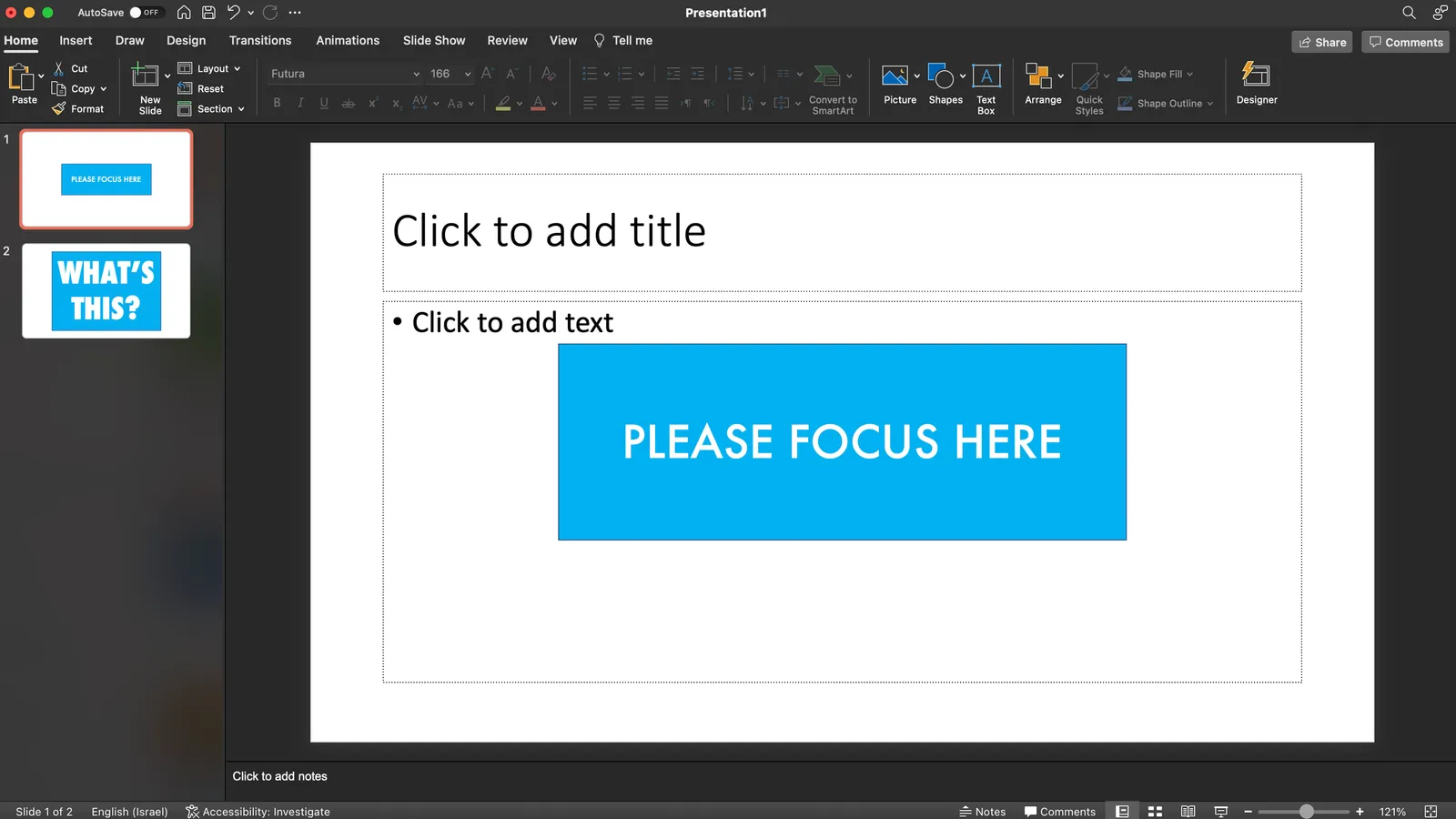
For the audience it is confusing.
- The slide in edit mode looks unfinished.
- Often the thumbnails on the left are so big that you could actually read them, distracting attention away from the main slide.
In SlideMagic, presentation view creates 2 separate windows: one for the slide to be shown to the audience, one with the controls for the presenter. So in Zoom, or other video conference tools, you can share just the slide, while staying in full control of the presentation in a window that is not visible to the audience.