

Recently, a SlideMagic user asked for some help with adding “some more color” to a slide. (A table to be included in an internal strategy document).
My response was the opposite, rather than adding color and accents, I took things out. To make things stand out, you can either emphasize these things, or de-emphasize everything else.
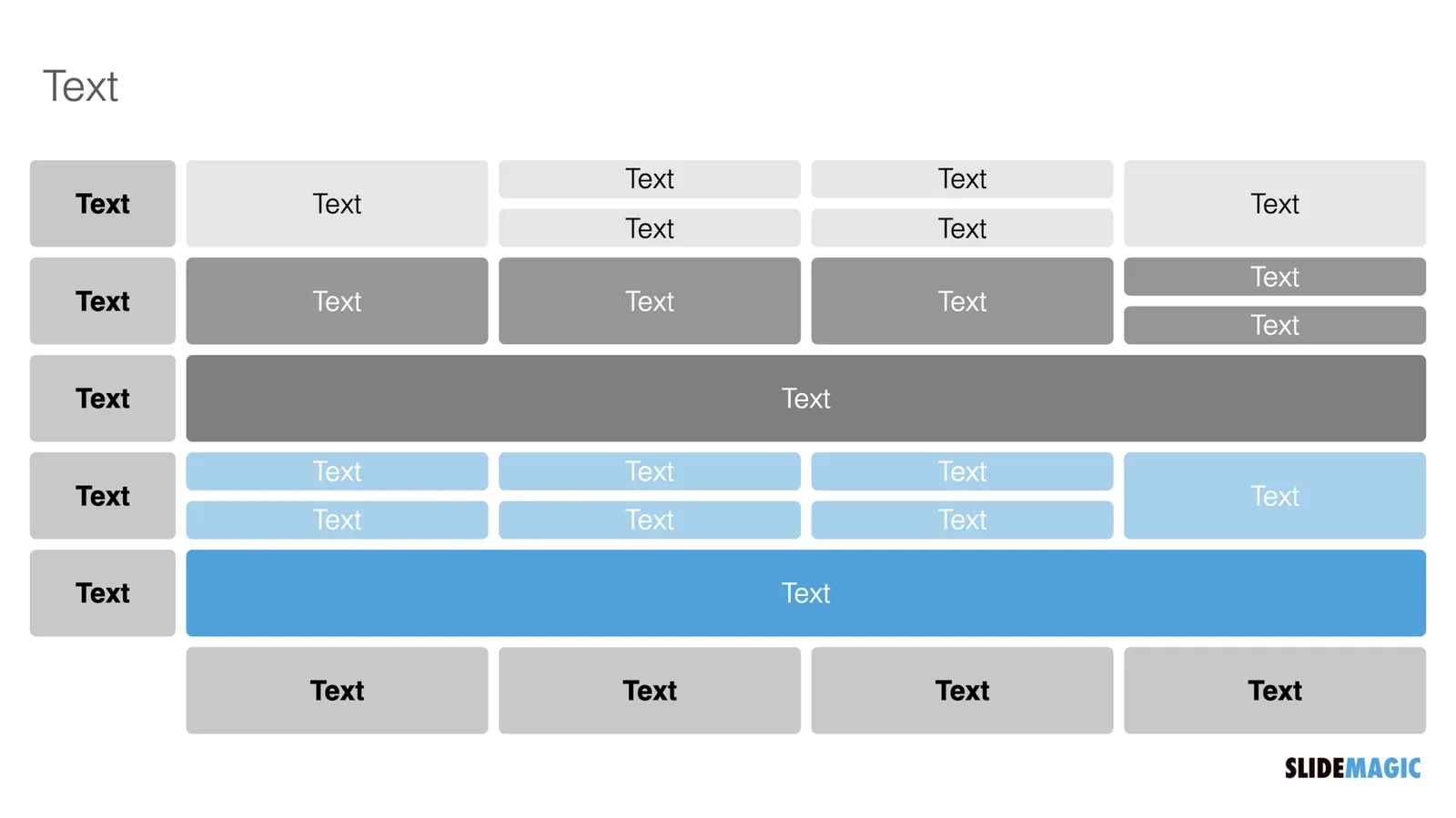
Here is the starting point (confidential text removed). Btw., look how neat and organized it already looks, thanks to SlideMagic…
Below my suggestion:
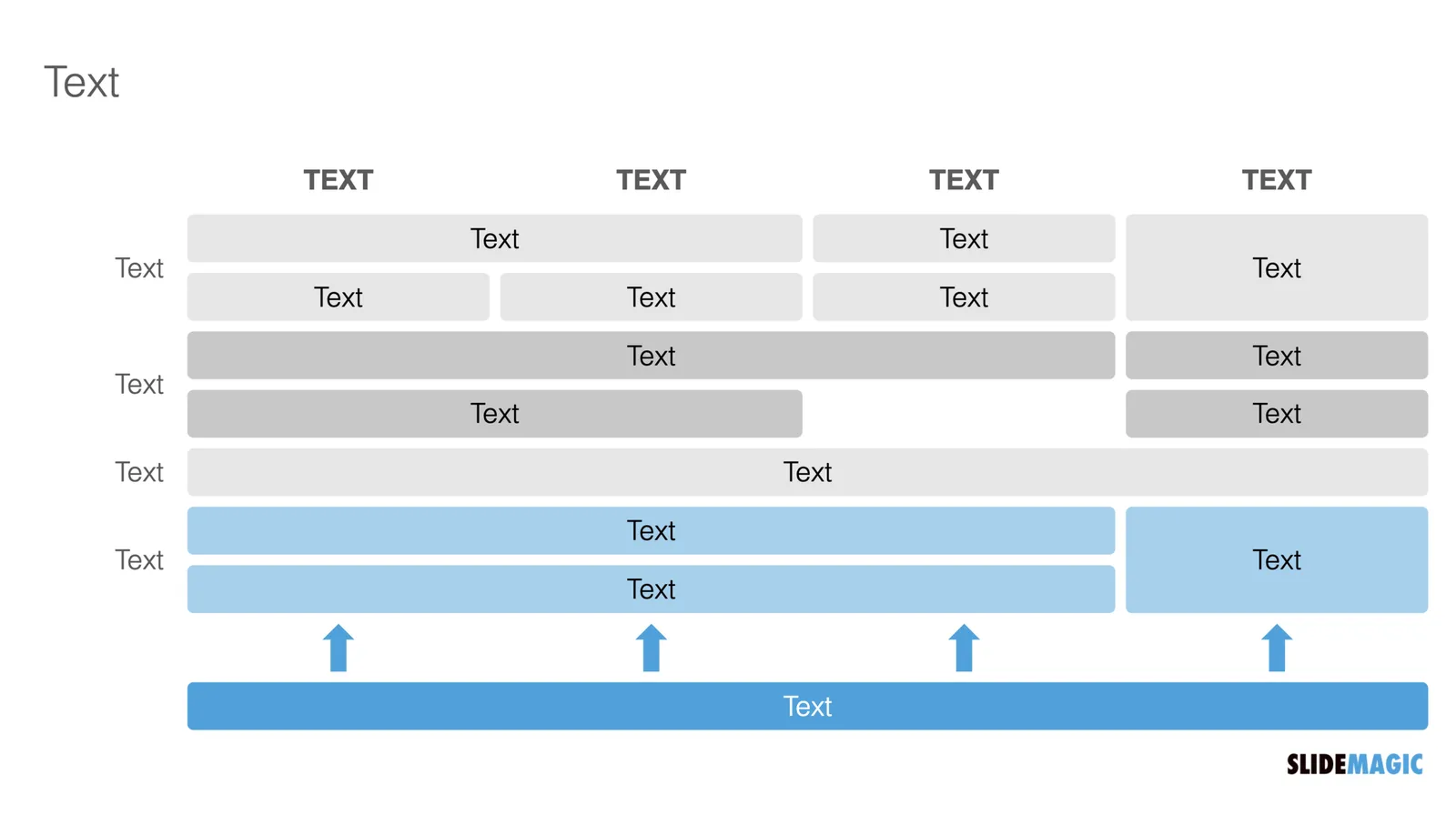
The things I did:
- Changed color accents
- Grouped and de-duplicated text boxes that contained the exact same text
- Changed relative heights of rows
- Moved title category labels to the top
- Added the arrows to visualize that the bottom item supports everything else