

“Kerning” is tweaking the spacing between characters in a word. Not to be confused with line spacing, tweaking the vertical space between lines.
Line spacing is important in presentation design. When you use very large font sizes, PowerPoint adds too much wide in between lines, you need to trim it.
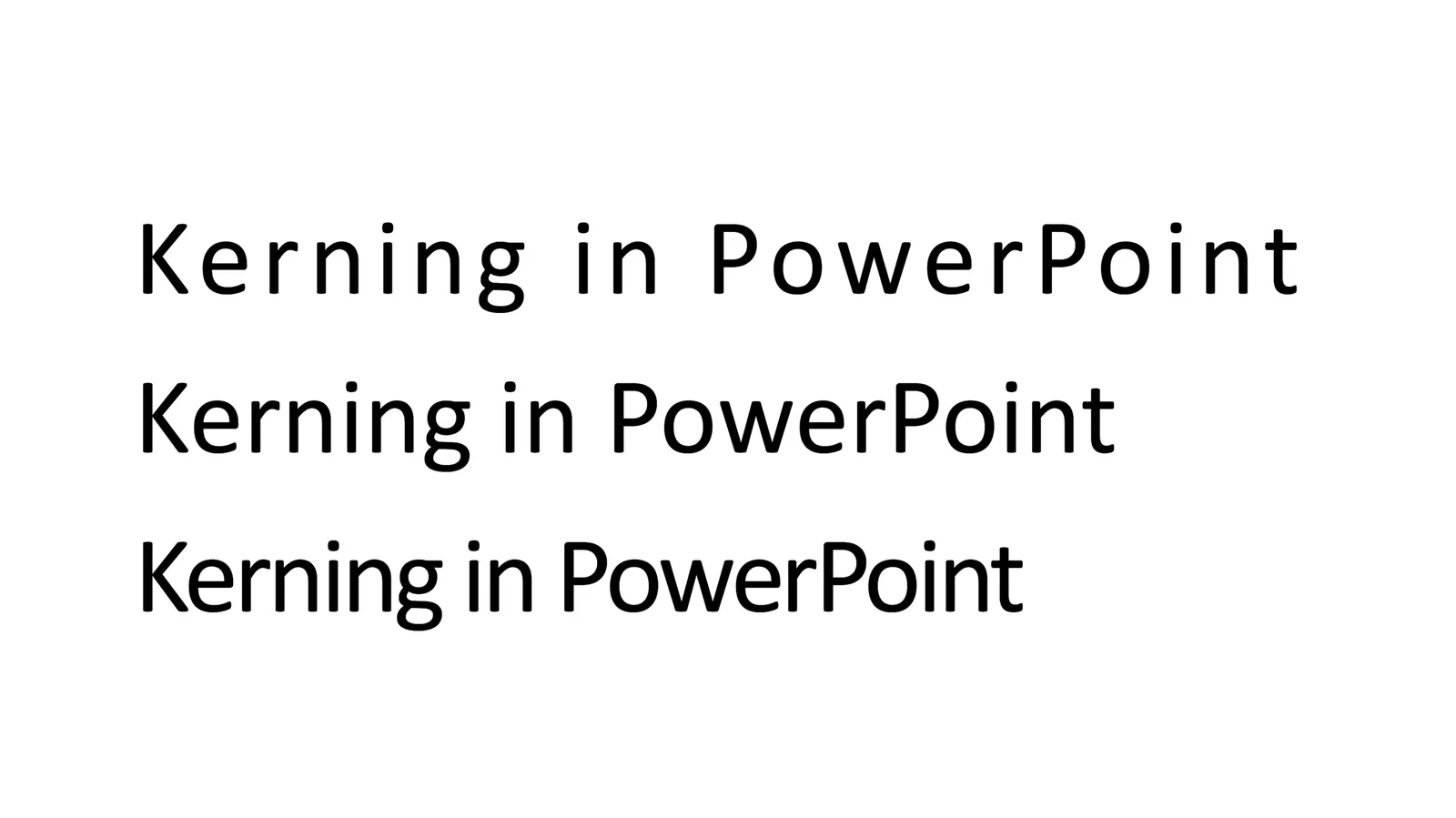
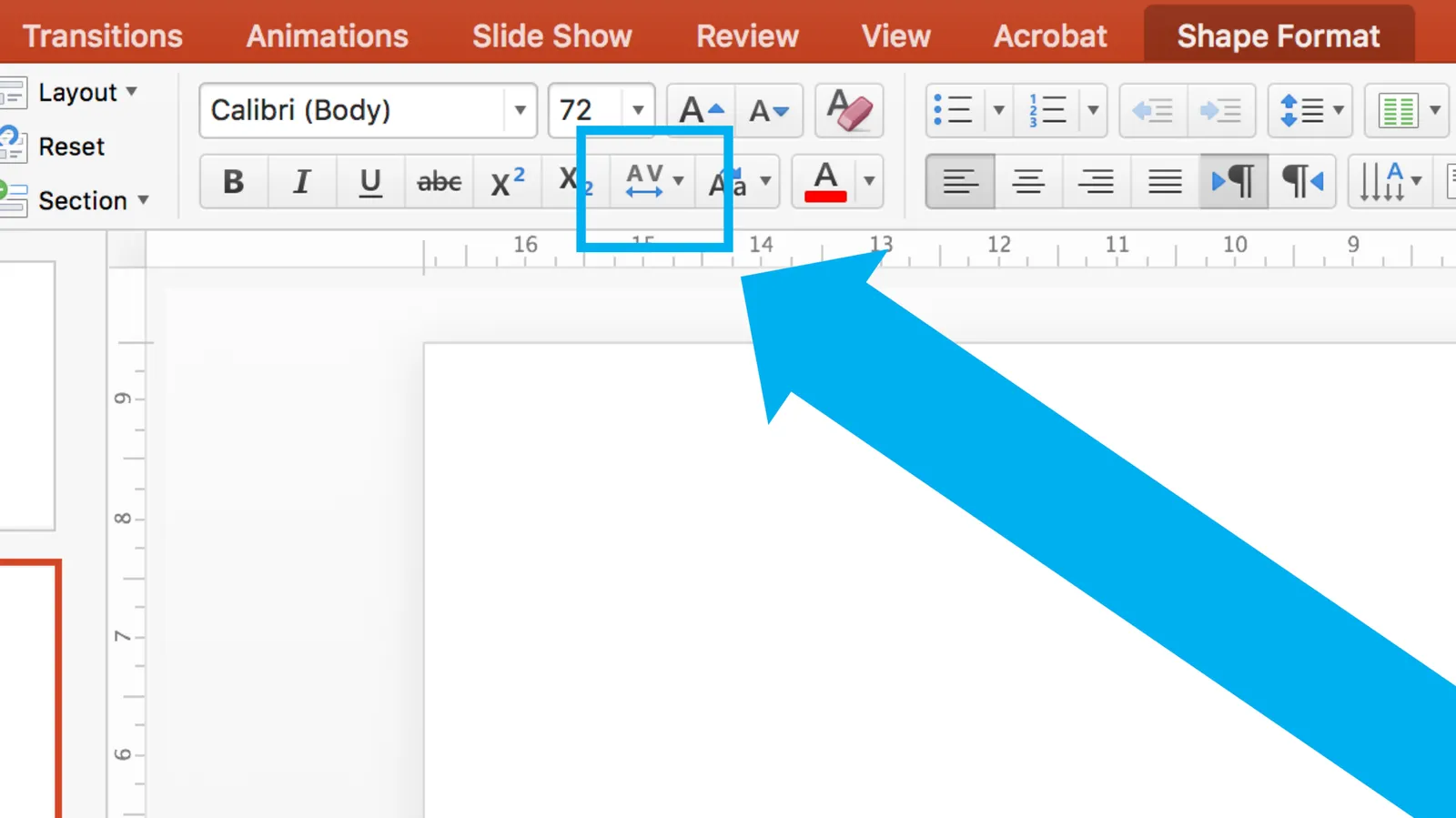
As an amateur designer of PowerPoint slides for a business presentation, you probably never need to worry about kerning. The one exception is cleaning up the mess that other users and/or templates have created. On the Mac, select all the text on a slide, click the little-used icon shown below, and set things back to “normal”
Cover image from WikiPedia
