

We put in a number of improvements to the user interface of my presentation design app SlideMagic.
Templates, regular decks, duplicating, importing, etc. was all a bit confusing. We made a number of improvements to make the workflow more intuitive.
- The concept of “template” (as opposed to regular deck) was eliminated. Now every SlideMagic user will see a number of “featured decks” at the top of the regular decks menu which can form the inspiration of your own presentation.
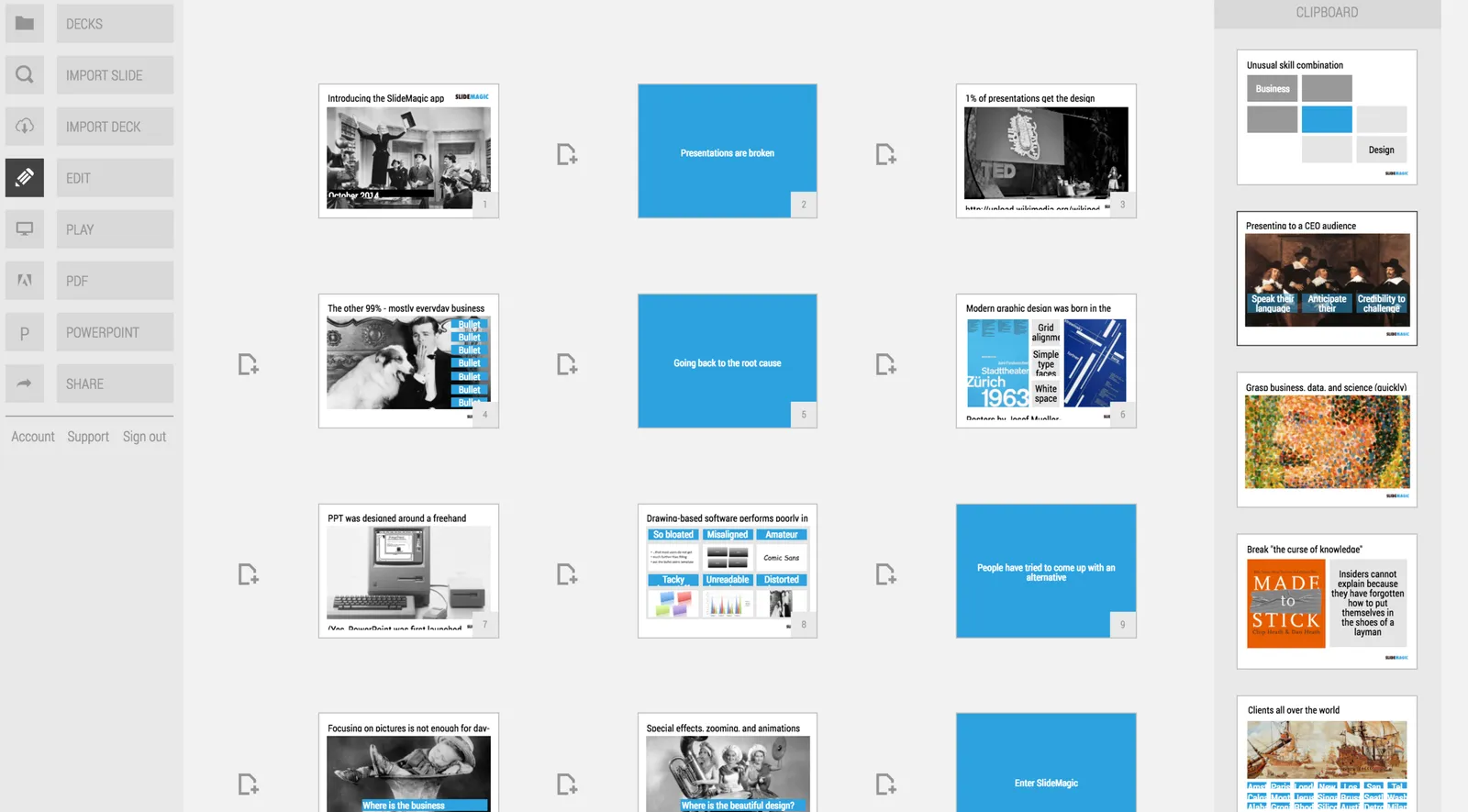
- In the story view (the slide sorter), the 2 clipboards (one for individual slides, one for full decks) were integrated into one. All slides you import will now appear here, together with the ones you copied from your current presentation.
The account, support, and logout links that used to sit at the bottom left of the screen have been moved up. These buttons caused issues on smaller screens, especially tablets. As a result, SlideMagic is now running pretty well on iPad. I am not a big believer in designing slides on a small screen/tablet, because you need a decent canvas to focus and be creative. But, it can be handy to have the option to make smaller edits on a mobile device and that is now going pretty well with SlideMagic.

Let me know if you have any more feedback on SlideMagic here in the comments or by sending a message to jan at slidemagic dot com.