

A post for the purists today. In PowerPoint, a text box and a rectangular coloured shape with text line up the same way: you hover them across the slides and “snap” lines appear that encourage you to line things up with items above or below. To do it correctly though, you need to make a small adjustment.
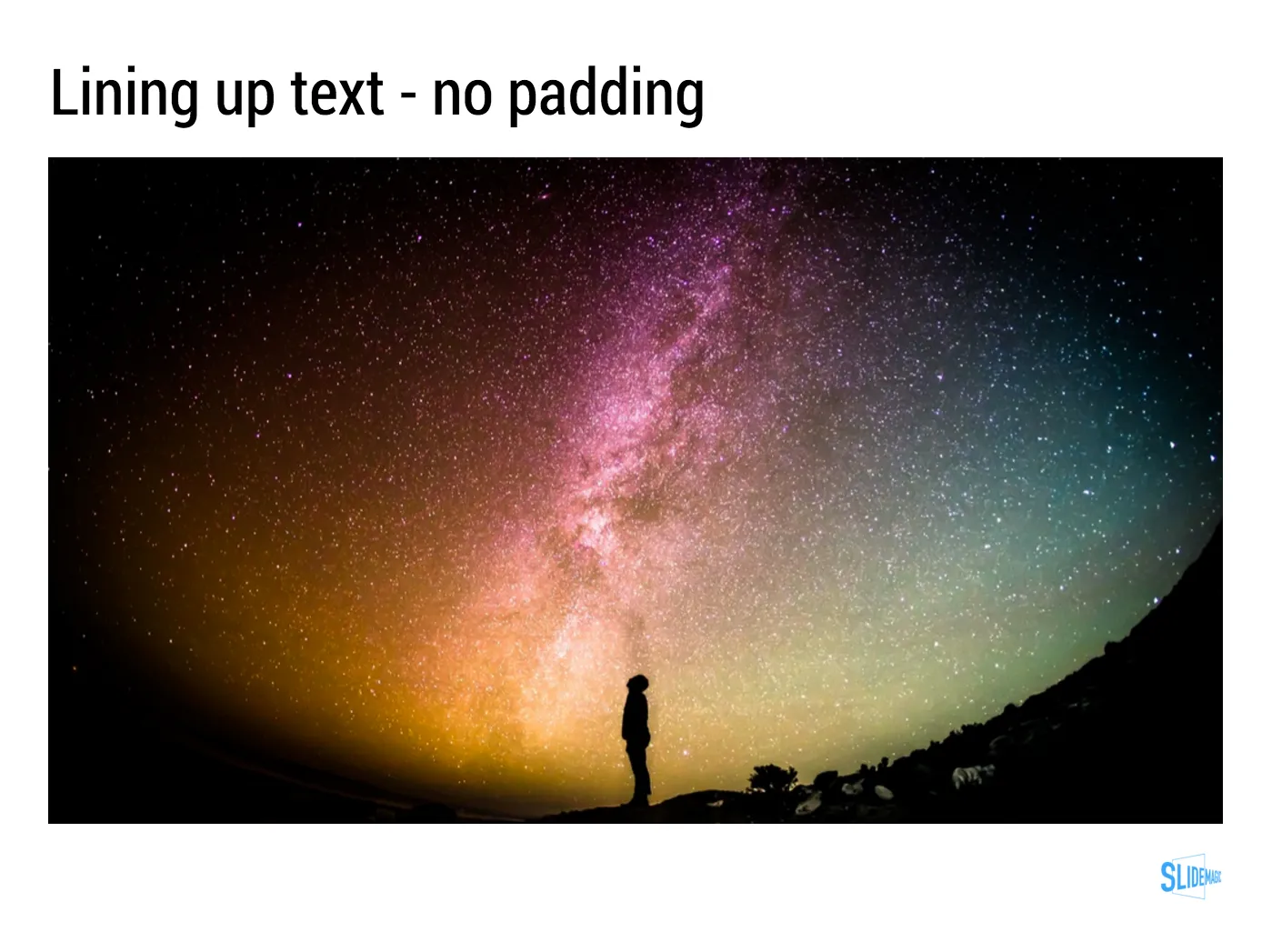
A text box with a transparent background: line up the edges of the text (without padding) to the object below
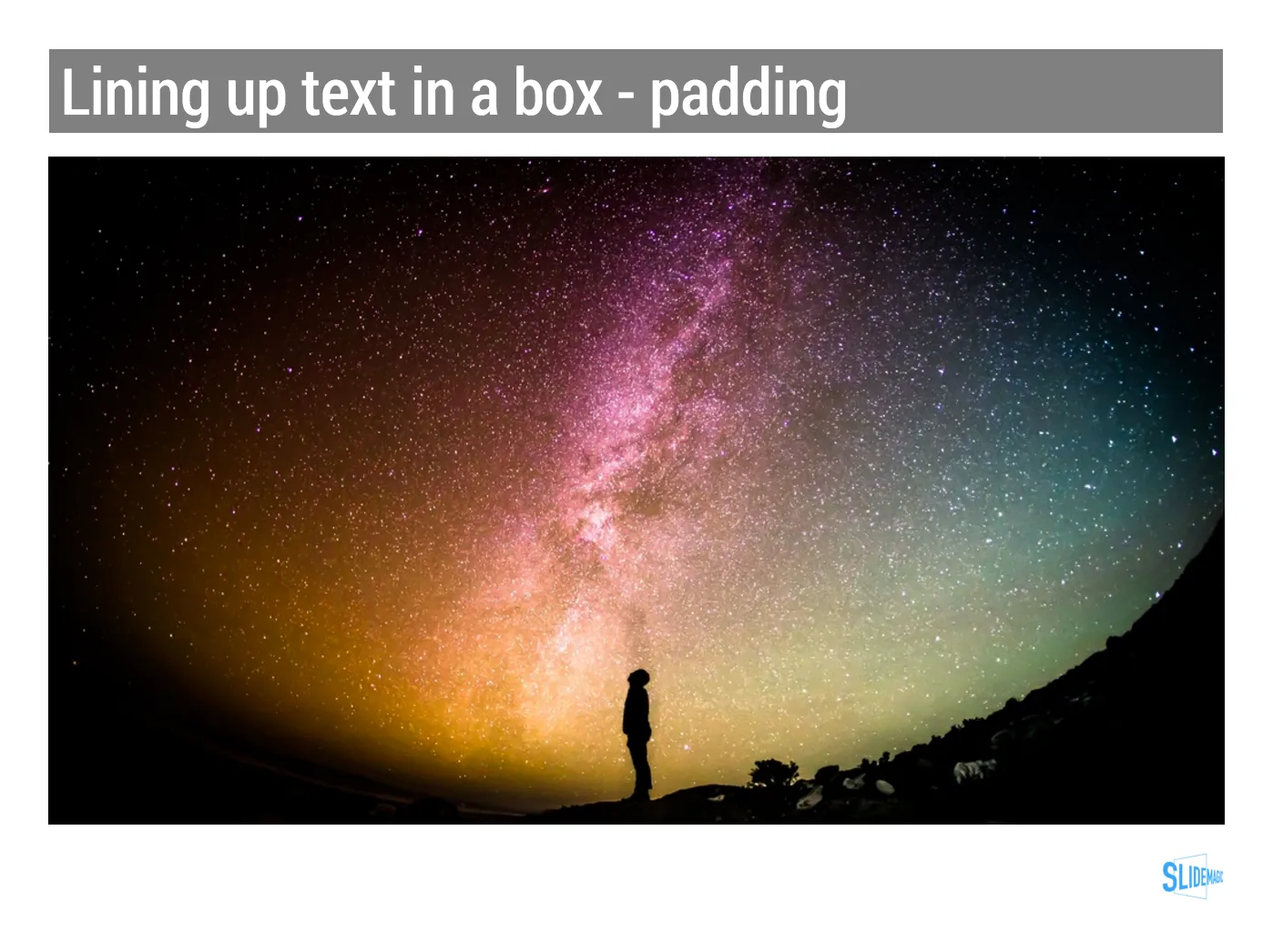
A text box with a coloured background: line up the edge of the box with the item below
With my presentation app SlideMagic, you don’t have to worry about this. I remember “arguing” with my developer why this was an important feature :-)