

I stumbled on Wordle today, and let it have a go at my blog RSS feed. I could not get it to work in Chrome yet. To extract a screenshot you need to use the good old SHIFT CTRL PRTSCR since the Java applet cannot save image files to your computer.
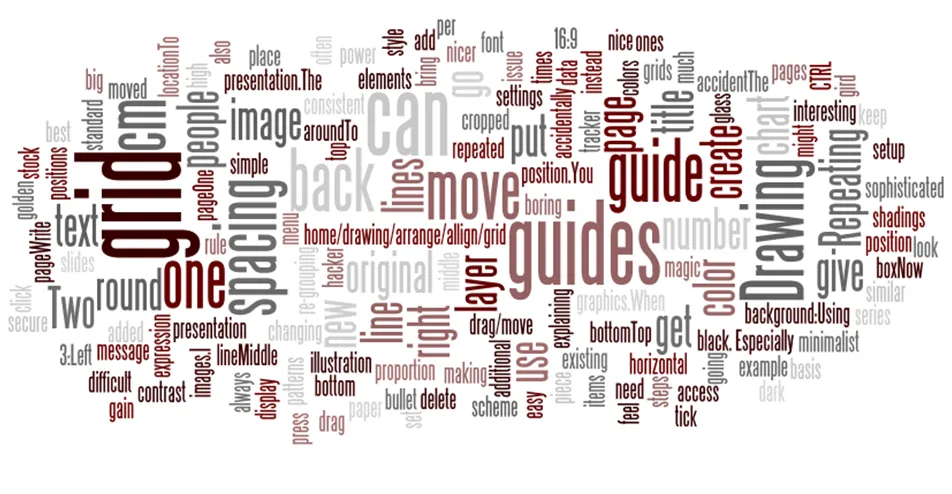
Thank you Michael Kogeler.
UPDATE: Wordle is actually part of Many Eyes as well, I talked about that before.
3 comments
The brutal method. Make a screen shot with CTRL+SHIFT+PRTSCR, open a graphics program (can be PowerPoint), press CTR-V to paste, and crop things you don't want away.
Not very glamorous, but it works.
Best,
Jan
After you take a screen shot, how did you edit it to make a jpeg? All I can figure out is the thumbnail that links back to Wordle.net and I need a larger image.
Thanks!
Robin
pensieve.love(at)gmail.com
Hmmm, guess I owe you $1,000, huh?
;)