

Many users ask for this. It is possible today to browse slides in the template bank by simply hitting an empty return in the search bank, you get served a dozen of random slides.
Still, I am not making this the core of SlideMagic. “Getting all the slides” is a very PowerPoint-like workflow. In PowerPoint it is hard to customise templates (adding/deleting boxes), which encourages you to eyeball a large number of slides you designed previously and pick the one that closest matches what you need today.
SlideMagic is different for a number of reasons:
- It is super easy to customise templates: no need for eye balling. Simply start with a layout that is vaguely in the right direction and make a few adjustments
- Many slides in the SlideMagic template bank are image-based, which generates a huge number of slides that are only usable for very specific situations. Eye balling to get inspired will take too much time and might give you a headache.
- The database starts to get lots of slides that are almost-duplicates: title pages with different titles, small variants of the same concept. Not good for browsing
In general, the template bank gets too big for browsing, and I am only just getting started….
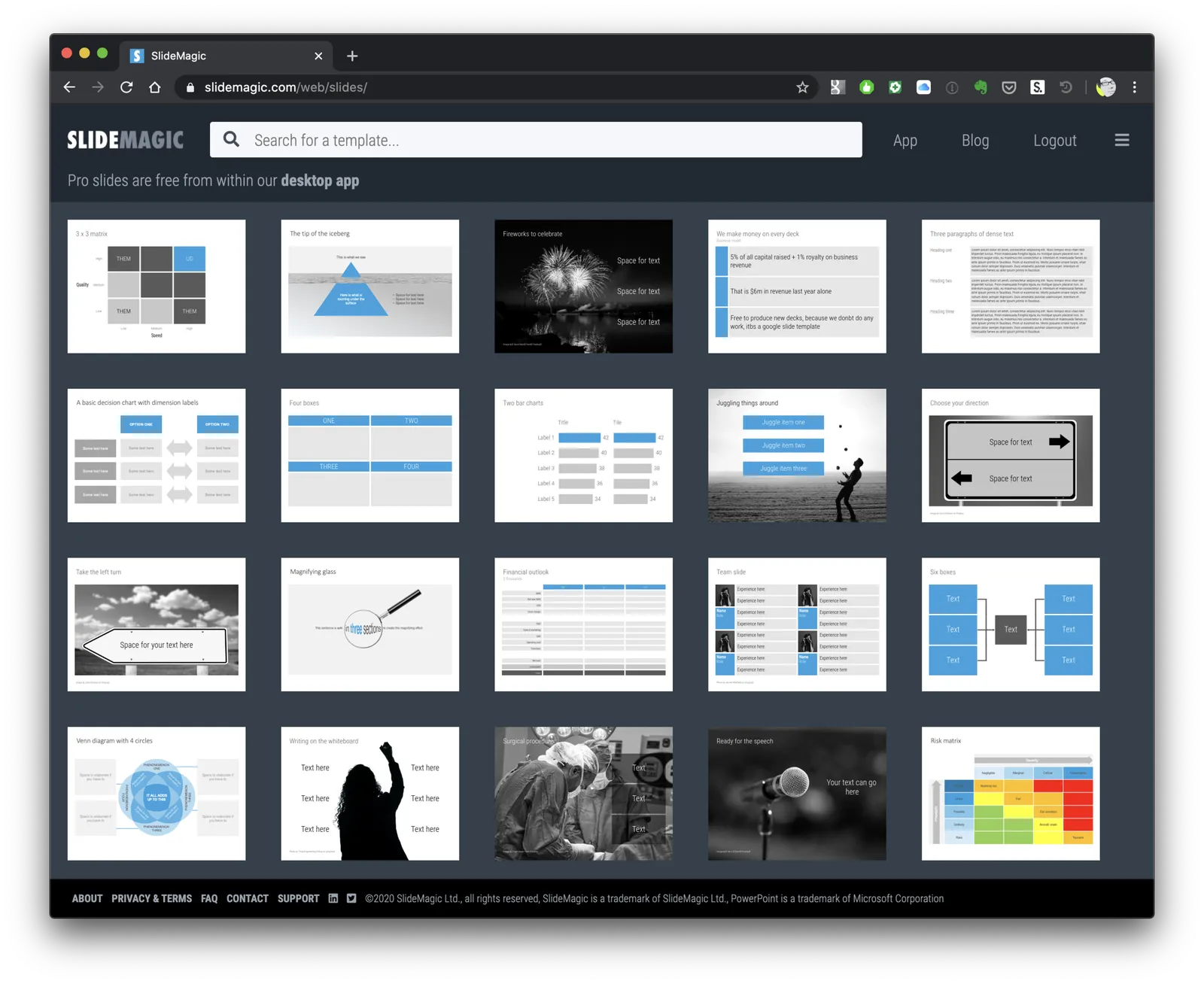
Photo by HelpStay.com on Unsplash