

With SlideMagic 2.0, I have hit the last 20% of the effort that takes 80% of the time. Getting everything to run perfectly is nitty gritty detail work. The result will be worth the wait though.
I am revisiting the image rendering and cropping engine at the moment. Cropping and masking images and getting them to line up in a grid is a painful process in PowerPoint, Keynote, and even in Adobe software. The professional designer has learned where to find the right tools. The amateur is struggling to make a simple crop and make sure that text over the photo is still readable, especially when the next version of the deck needs to go out in the next 15 minutes with an additional person in the team bio slide (headshot + 5 logos).
SlideMagic will come to the rescue, the screenshot below gives an idea of what I am working on now.
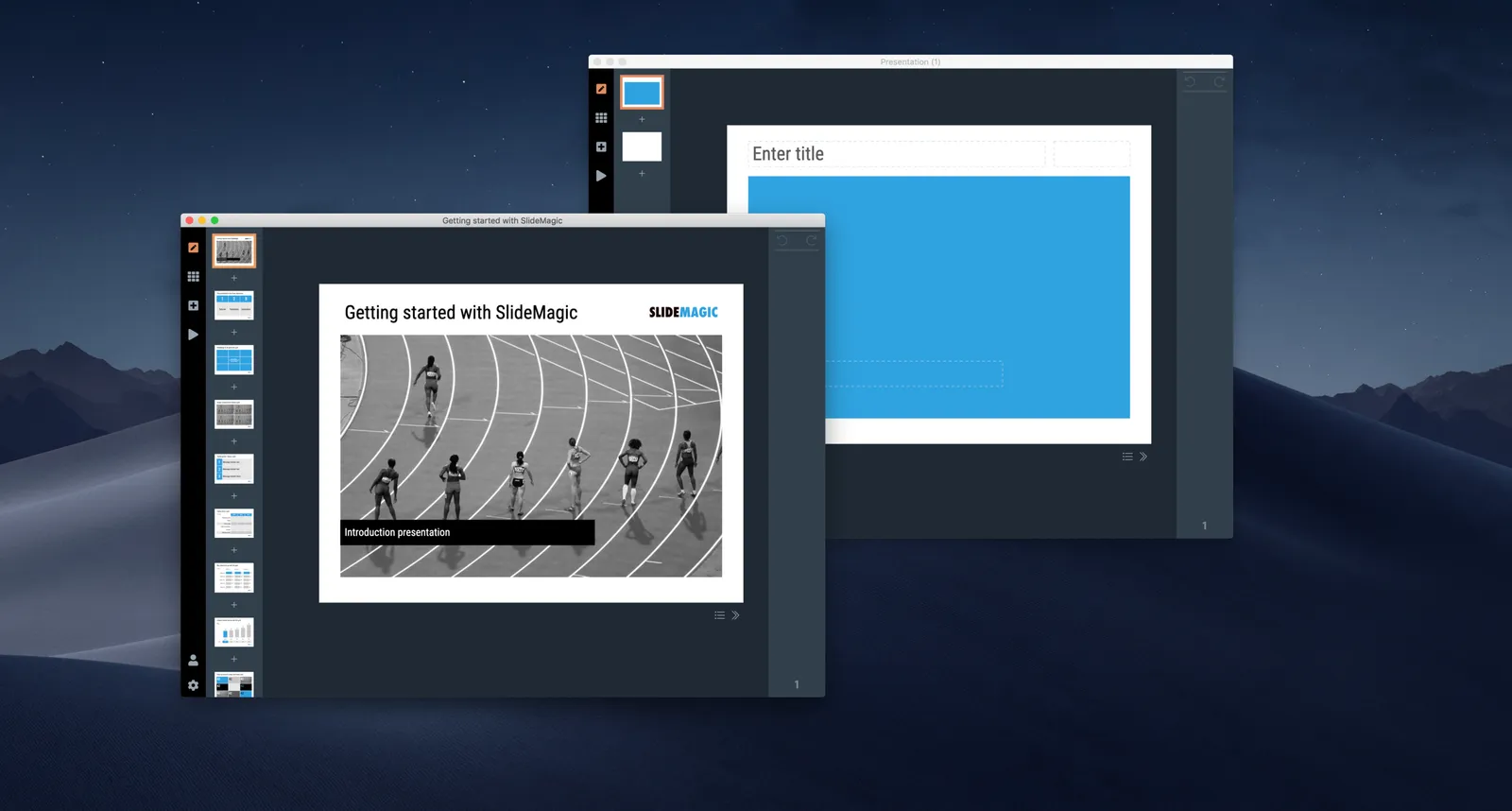
Image cropping and masking in SlideMagic 2.0