In the beginning, I see early adaptors of SlideMagic using it as a tool to create slides that are integrated in a regular PowerPoint presentation. Now that a 100% accurate and instant on the stop PowerPoint conversion is integrated in SlideMagic 2.0, this will be no issue. Your colleagues won’t notice your secret (and don’t tell anyone).
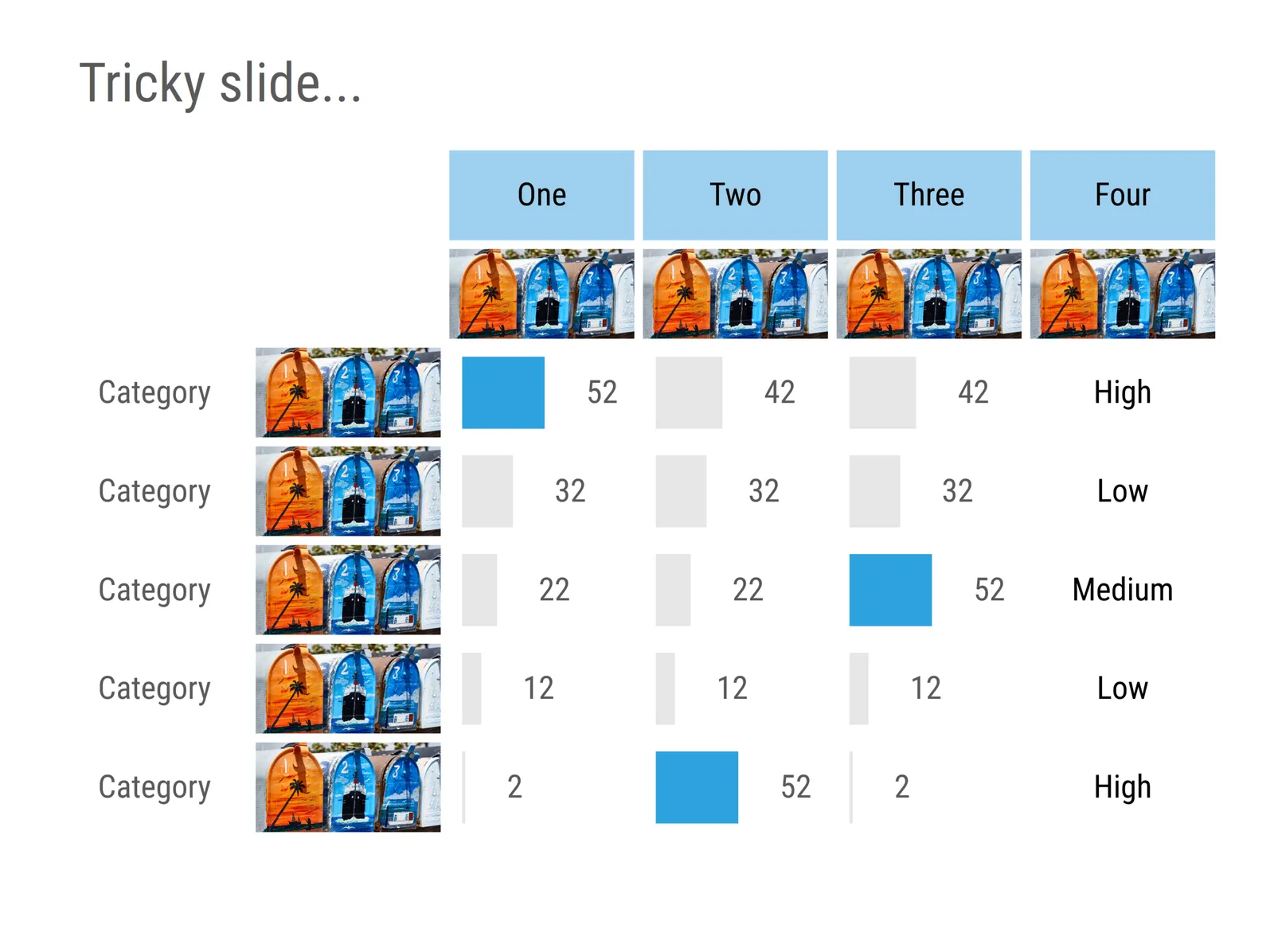
This is the the example of the type of slide that is very time consuming to create in PowerPoint:
- Lots of images that need to be cropped, scaled, and positioned in a grid (often logos, or product shots)
- A mix of text, data, and data charts
- Multiple data charts that need to be lined up exactly
- Multiple data charts that need to have the exact comparable scaling
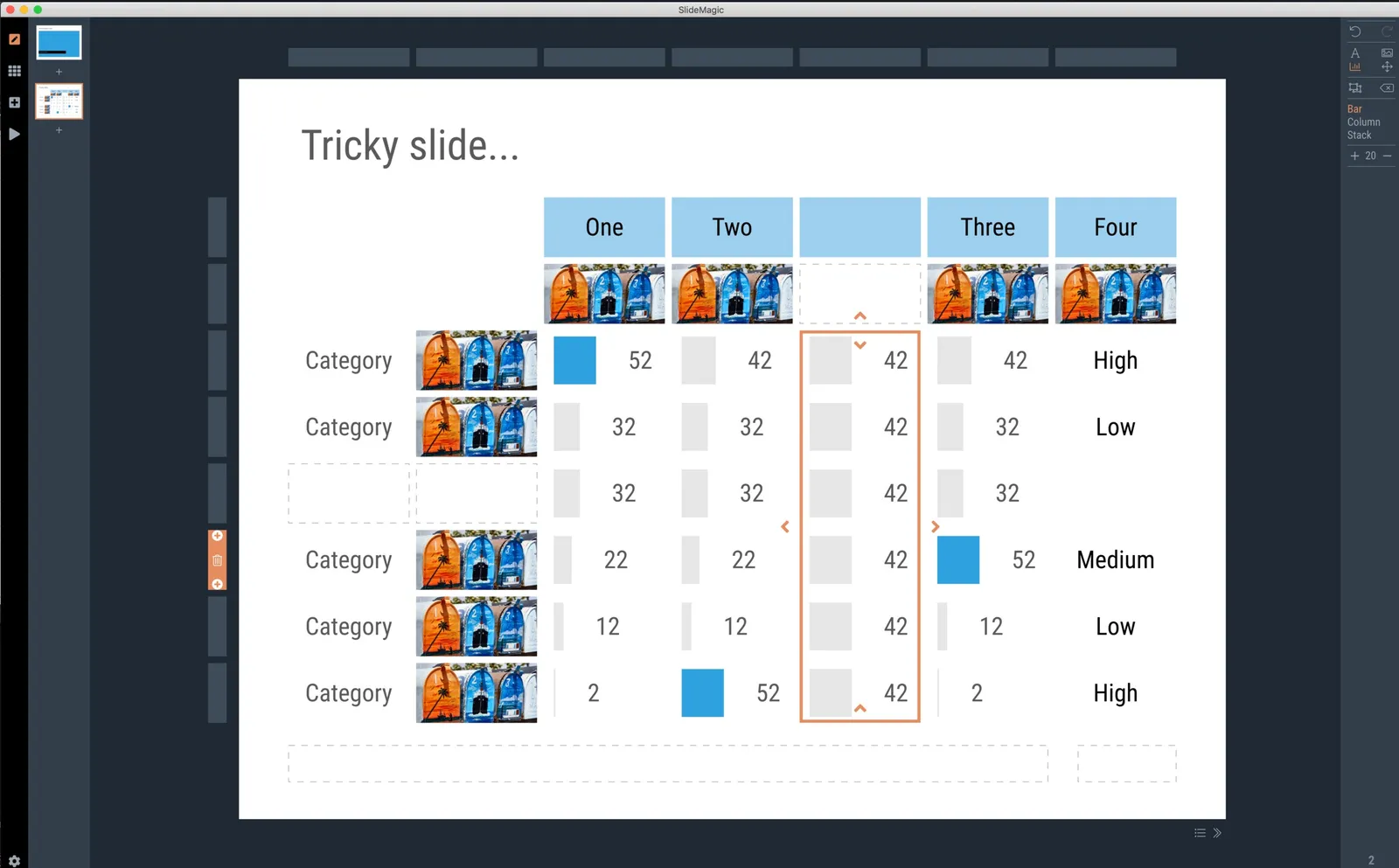
SlideMagic 2.0 can do it in less than a minute and plop the chart straight in your presentation :-). Everything is a fully editable PowerPoint shape, every chart is a regular PowerPoint/Excel object.
And… if your boss wants you to add 2 rows (one between rows 2 and 3, and one at the bottom) 5 minutes before the presentation, you will have 4 minutes left to get yourself a coffee before the meeting starts.