

Any slide that has a prime number of boxes on it higher than 5 creates a layout challenge. One, three, or even five boxes can still work, but more, it becomes cluttered.
Yes, can lay out boxes according to mathematical shapes. A heptagon distributes everything evenly. But it is a pain to figure the exact spacing out, but the more important drawback is the amount of slide space you lose. Beautifully arranged shapes that nobody can read. That is the reason why in SlideMagic, I did not even bother to put these types of shapes in.
So what to do? A few suggestions.
- Do you really need a slide with 7, 11, or 13 boxes? The best solution is to cut the thing up in 7 , 11, or 13 stand-alone slides that just make one point.
In some cases there might be no avoiding (for example when you negotiate a contract or some other deal that has 7 key agreement points).
- The obvious solution is to keep things simple and straight: just list the bullets
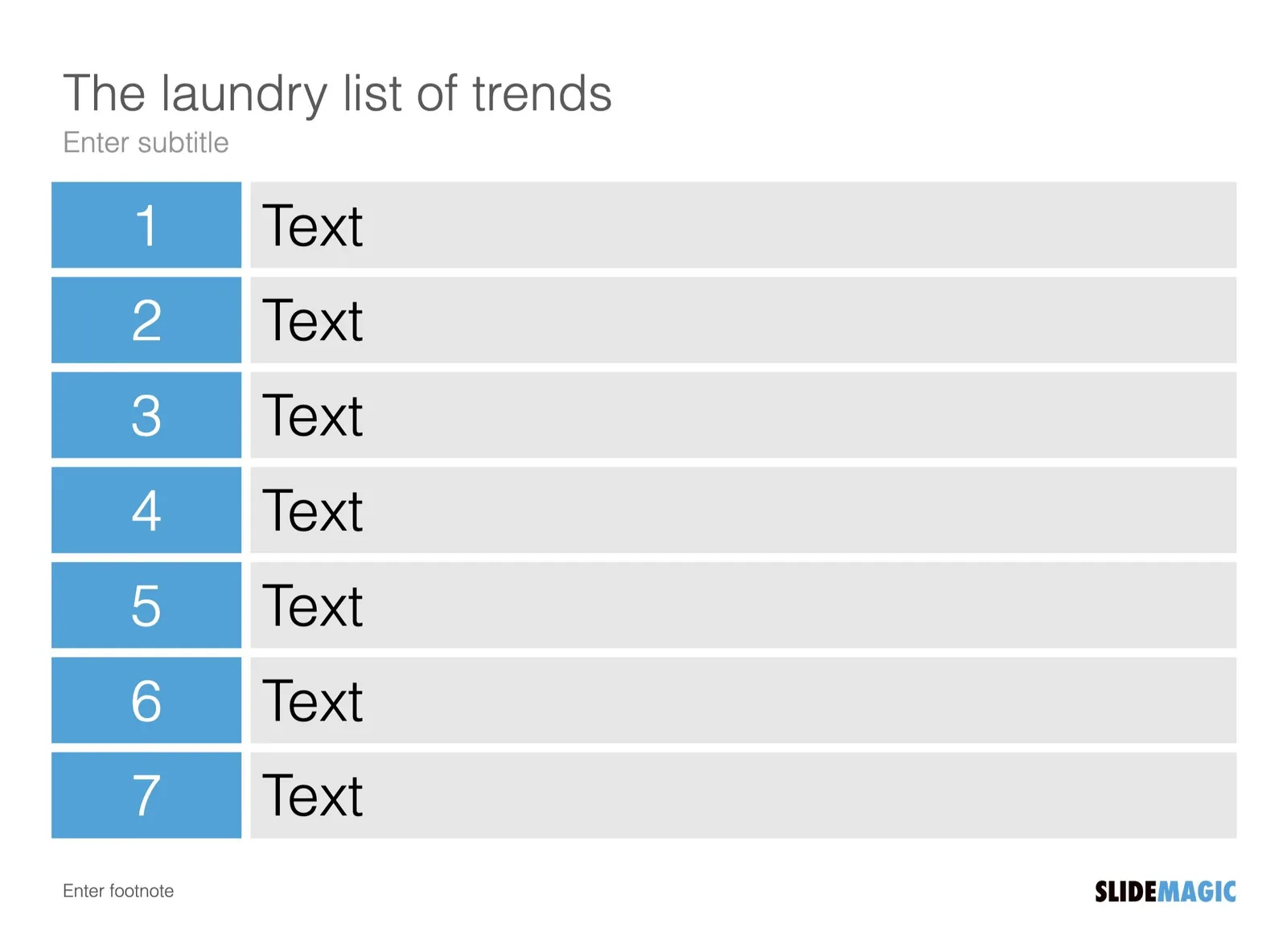
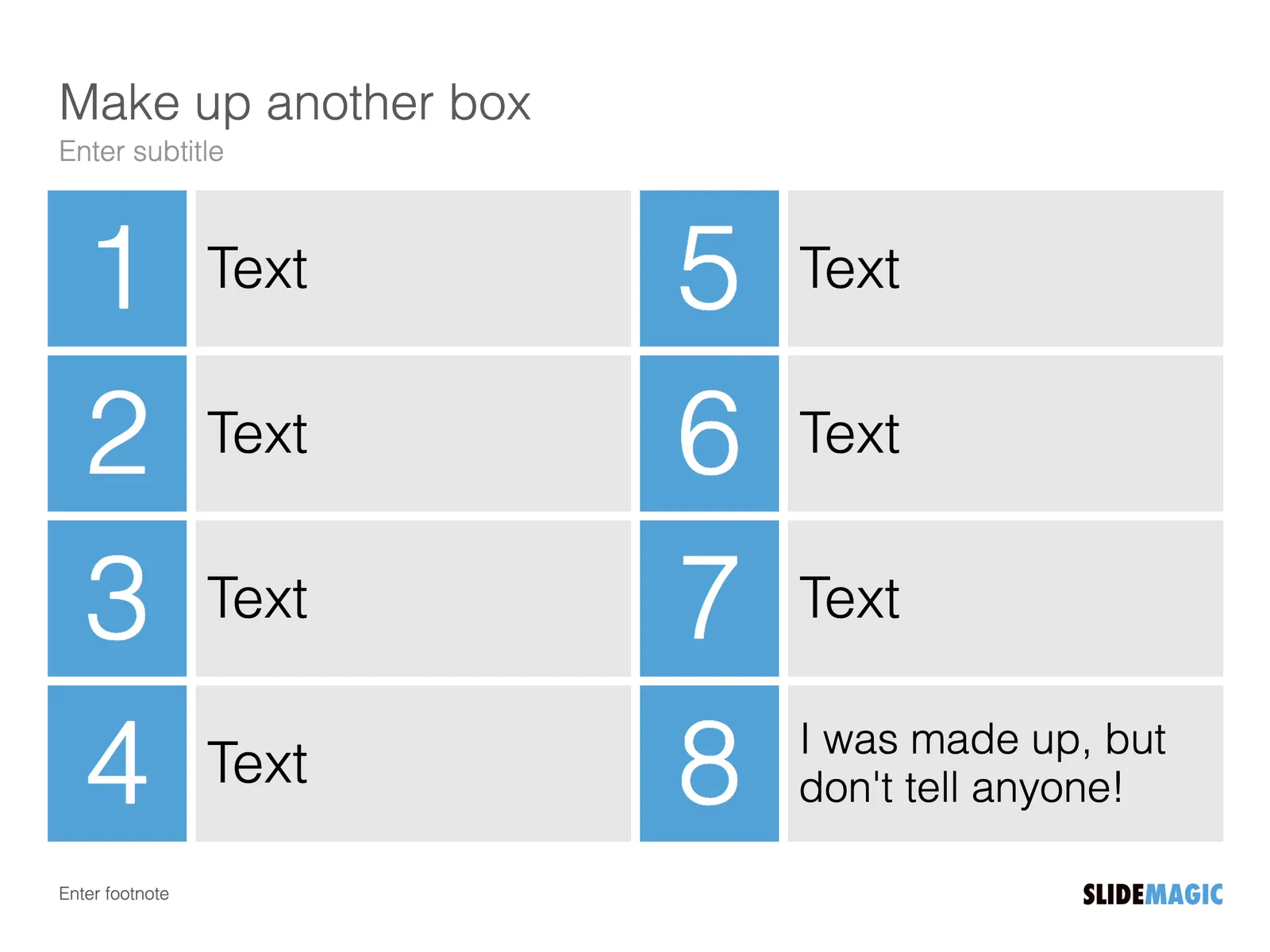
- You can do what this YouTube instructor did: add an 8th box to make the slide symmetrical. It could work in most cases, I would not give the design decision away though, but find a meaningful extra point

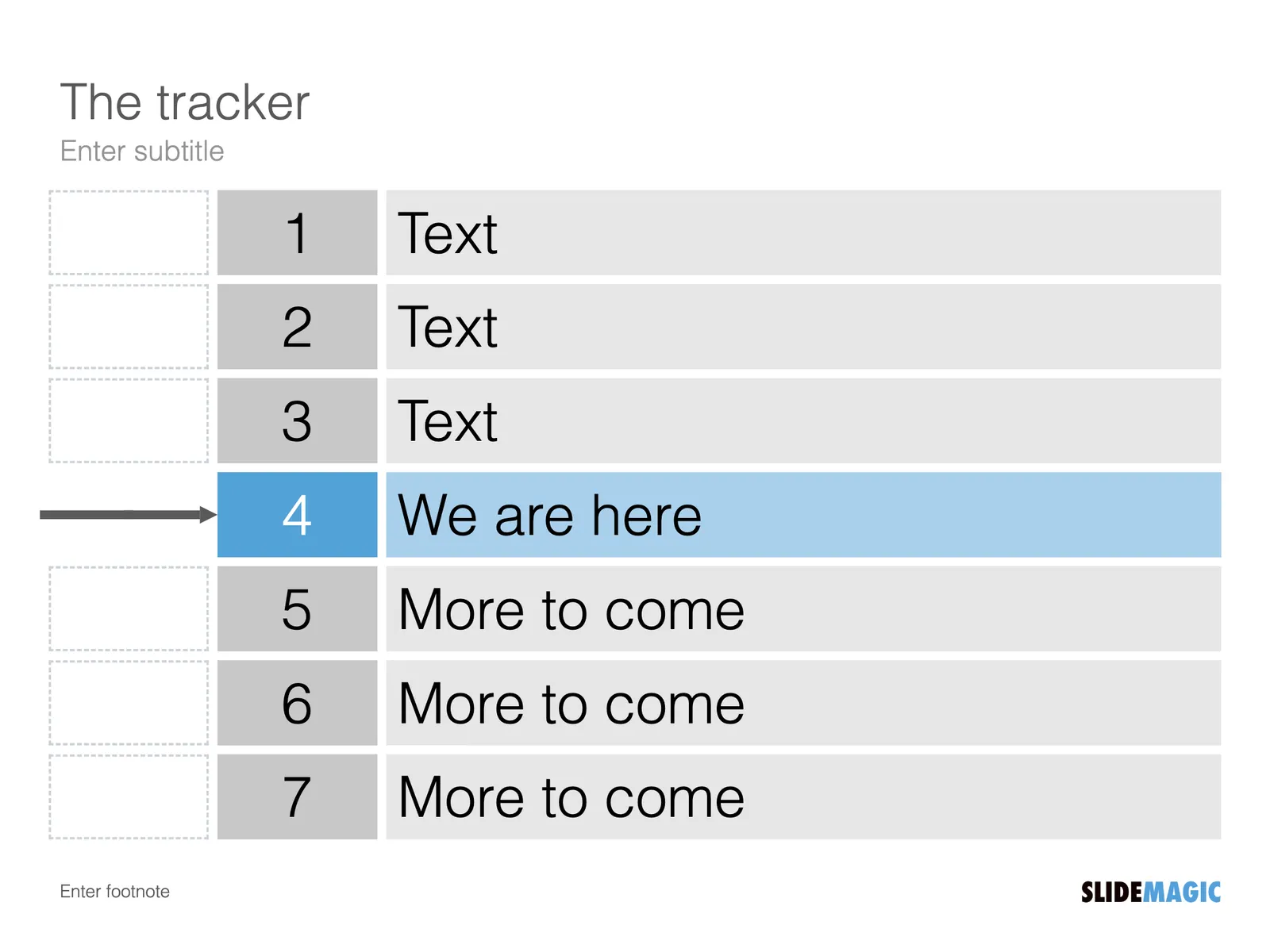
- You can use the bullet points as some sort of tracker, speak very briefly about it, then click through to the next slide that discusses the point in detail
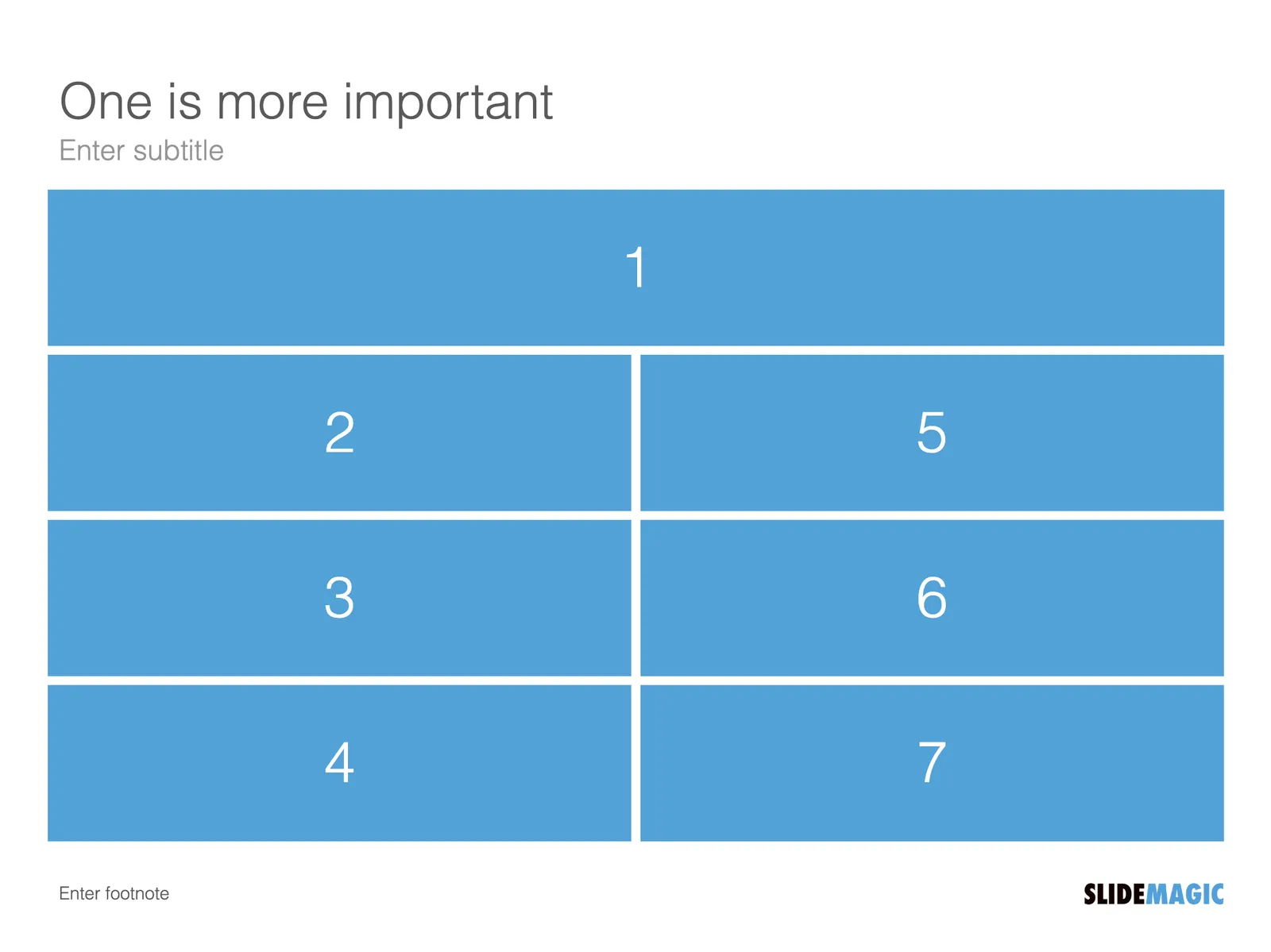
- Maybe one point is more important than all the others, so you can give it more space
- Or, you can use another format such as an irregular collage, to remind the audience at the end of all the things you spoke about
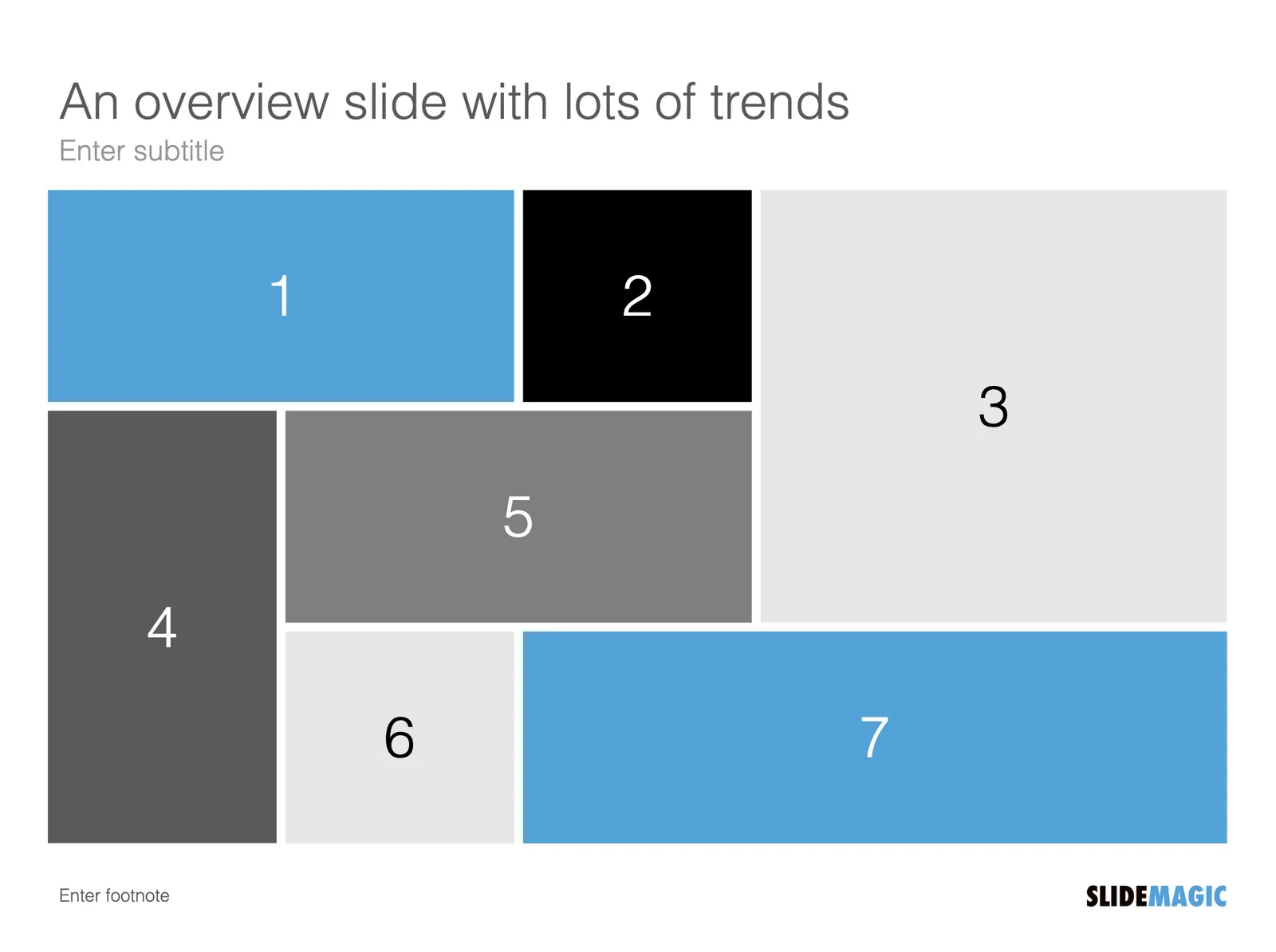
My preferred option is probably the last one: 7 individual slides for each trend, then an overview to recap everything quickly.
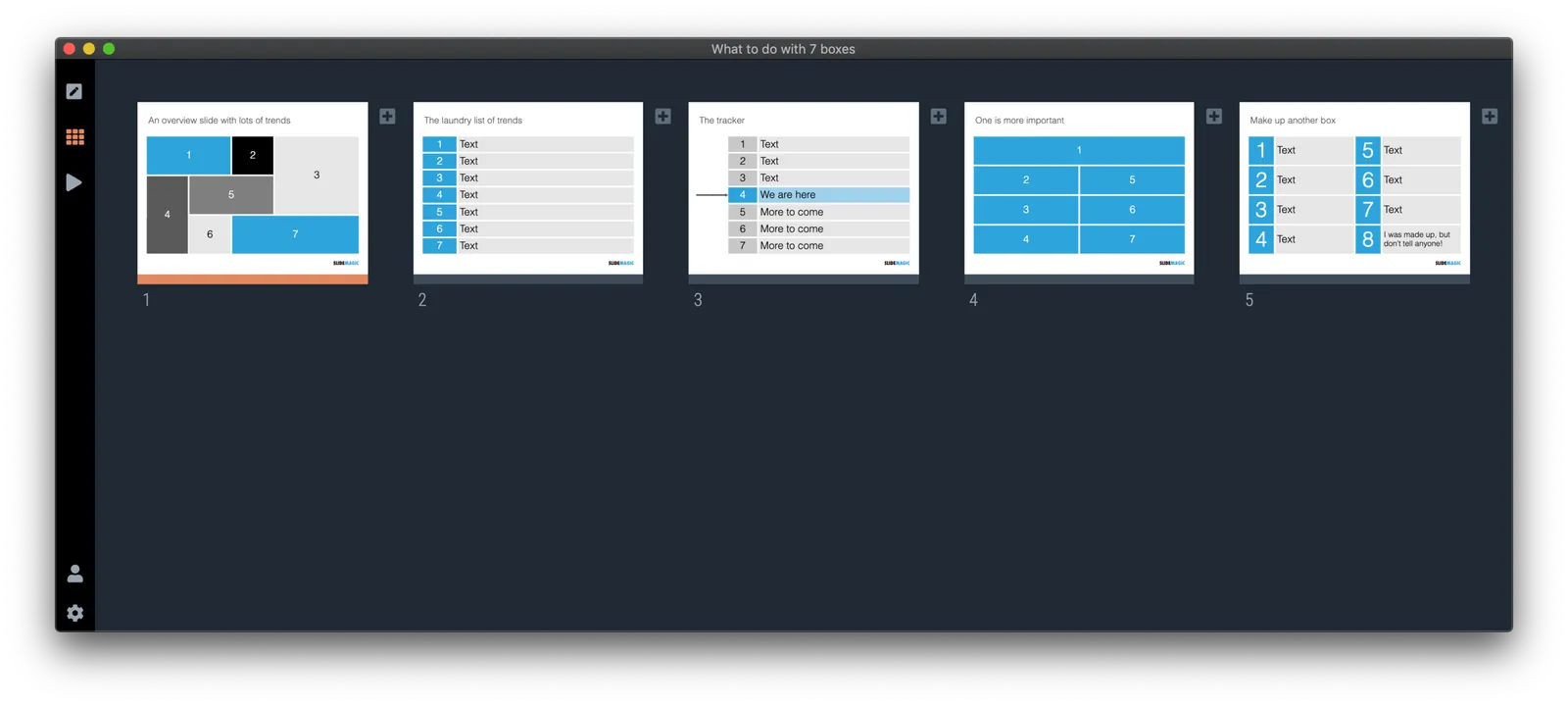
The above slides were quickly put together in SlideMagic 2.0, I put them in a .magic file here (watch that extension), beta users can load and edit them in the app.