

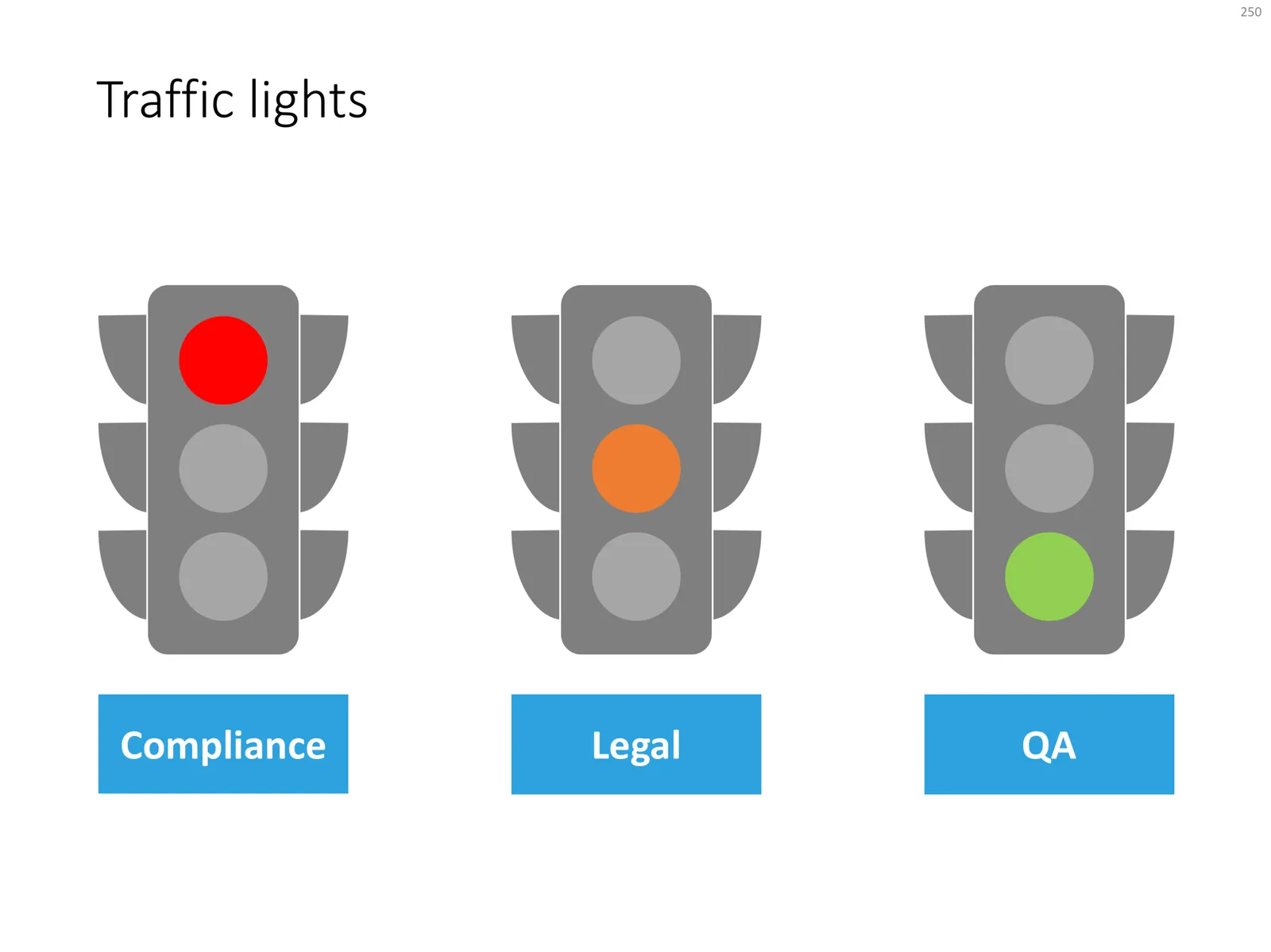
Now and then, I use the good old traffic light chart to present the progress in a project: who has given “the green light” and where things are still stuck. These icon-style shapes are easy to create in PowerPoint. I usually start with Googling a few example images/icons, then see what basic shapes are needed, to finish with the composition I like.
Click the image above to be taken to the traffic light slide in the store, subscribers can download it free of charge.