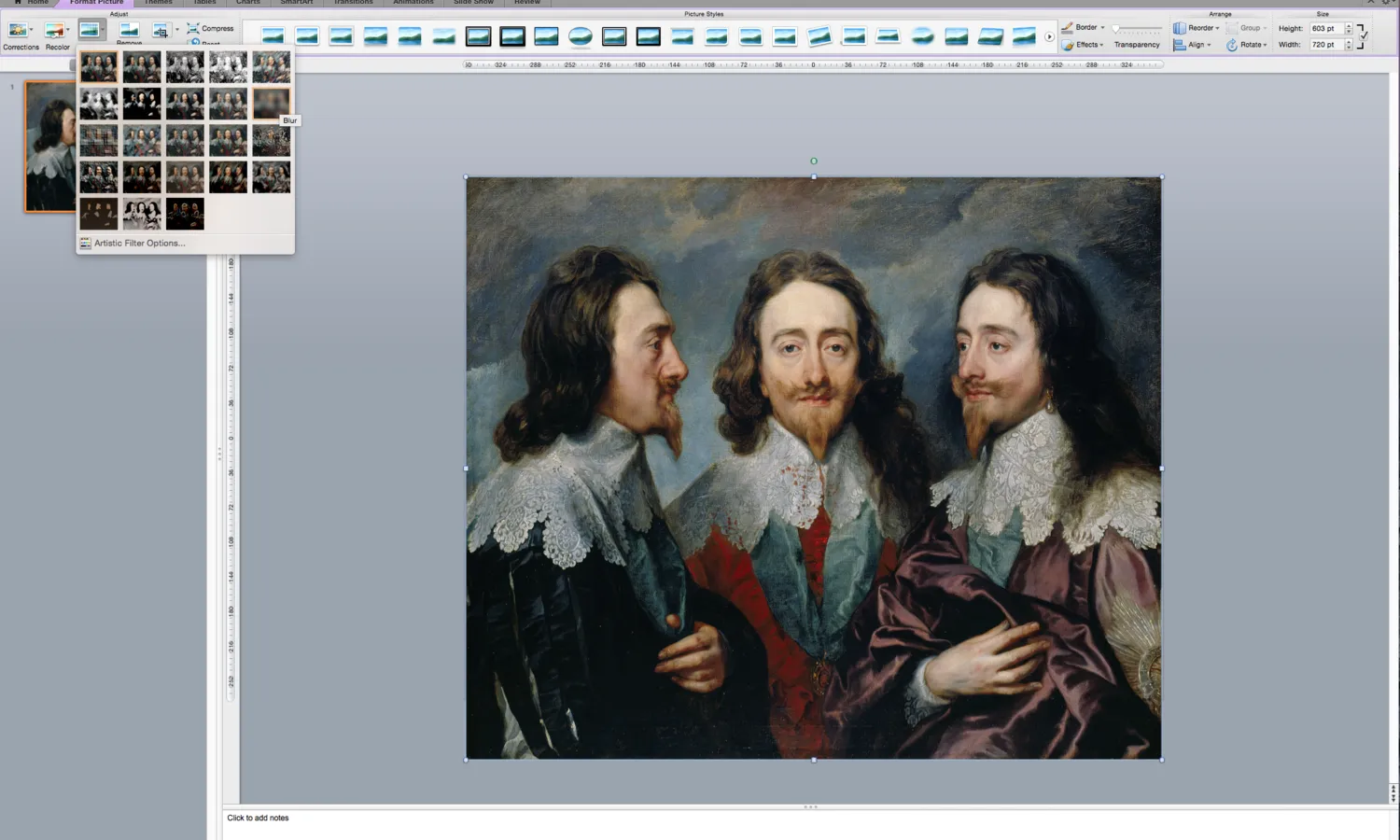
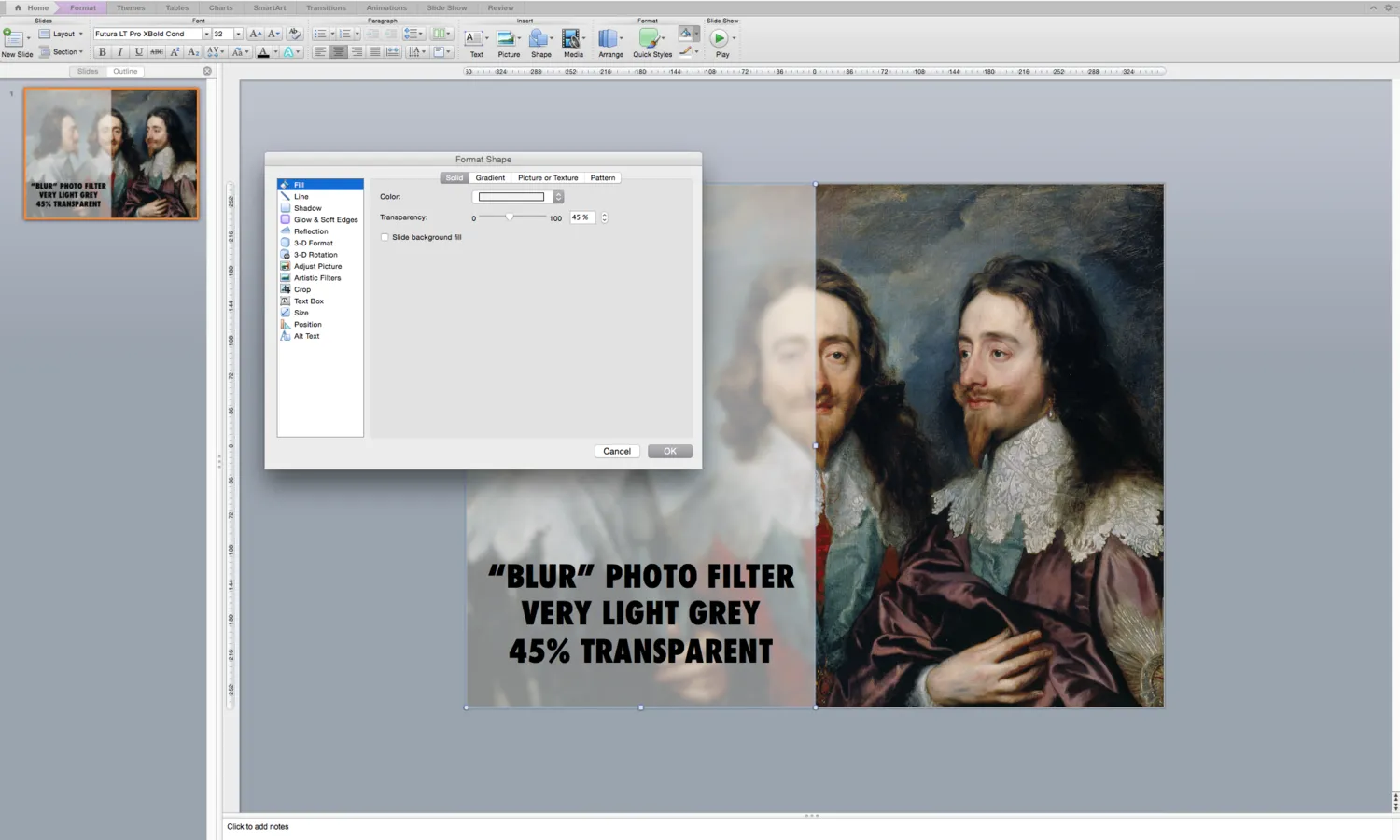
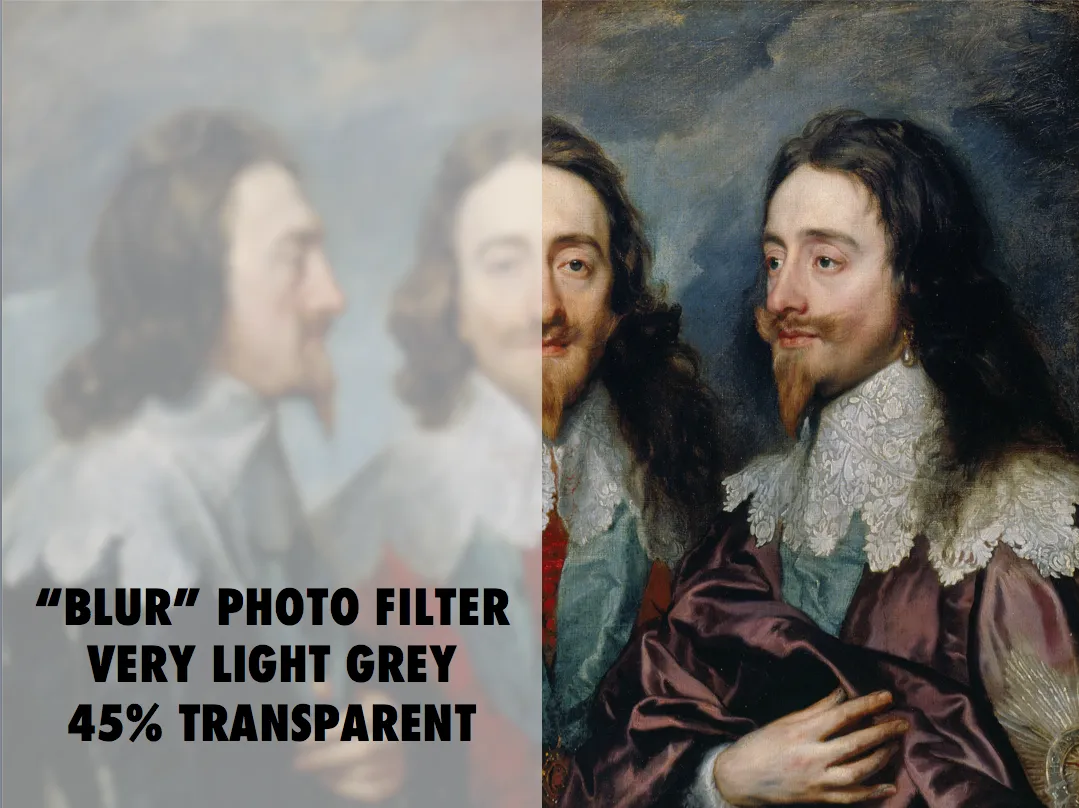
Follow these simple steps:
- Apply the “blur” photo filter to your background image
- Create a very light grey box
- Add 45% transparency


Blog post
Follow these simple steps:
About this blog
Notes on all things presentations — design, storytelling, and AI workflows.
Subscribe now to never miss a post.
About SlideMagic
A platform for business presentations.
A free student plan is available.