

Over the past weeks we have quietly updated SlideMagic. Some workflows will go faster now (you can now change another shape without having to back to the main menu bar, you can drag and drop in story mode), and some bugs have been fixed. There were 2 bigger features deployed a few days ago.
Automatic flipping to a dark background (and back)
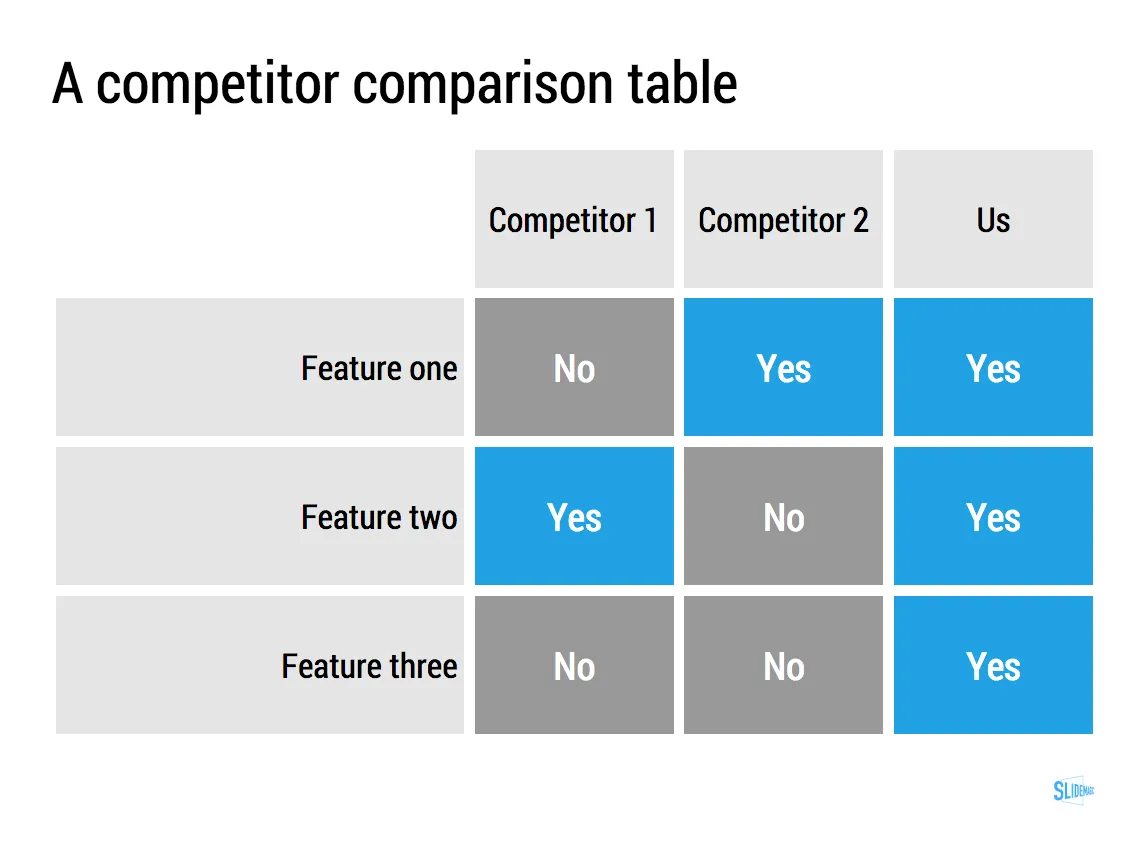
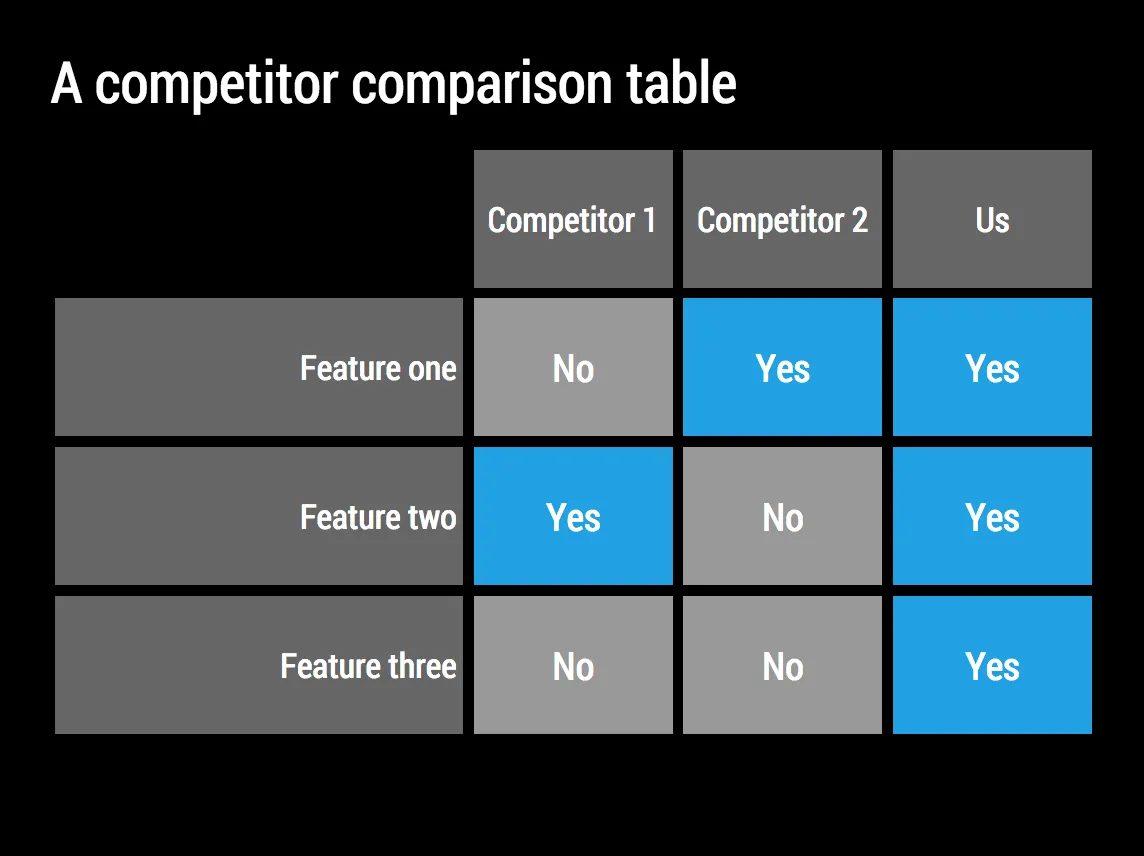
Working with limited colour combinations has its advantages: your slides will always look great. But it allows us to do other things as well, we can automatically convert your presentation to a dark background (on click) to make it more suitable for larger audiences where you do not want the speaker to be overpowered by a huge white screen. Once you are done, -click- and you are back to conference room friendly white.
Image manipulation
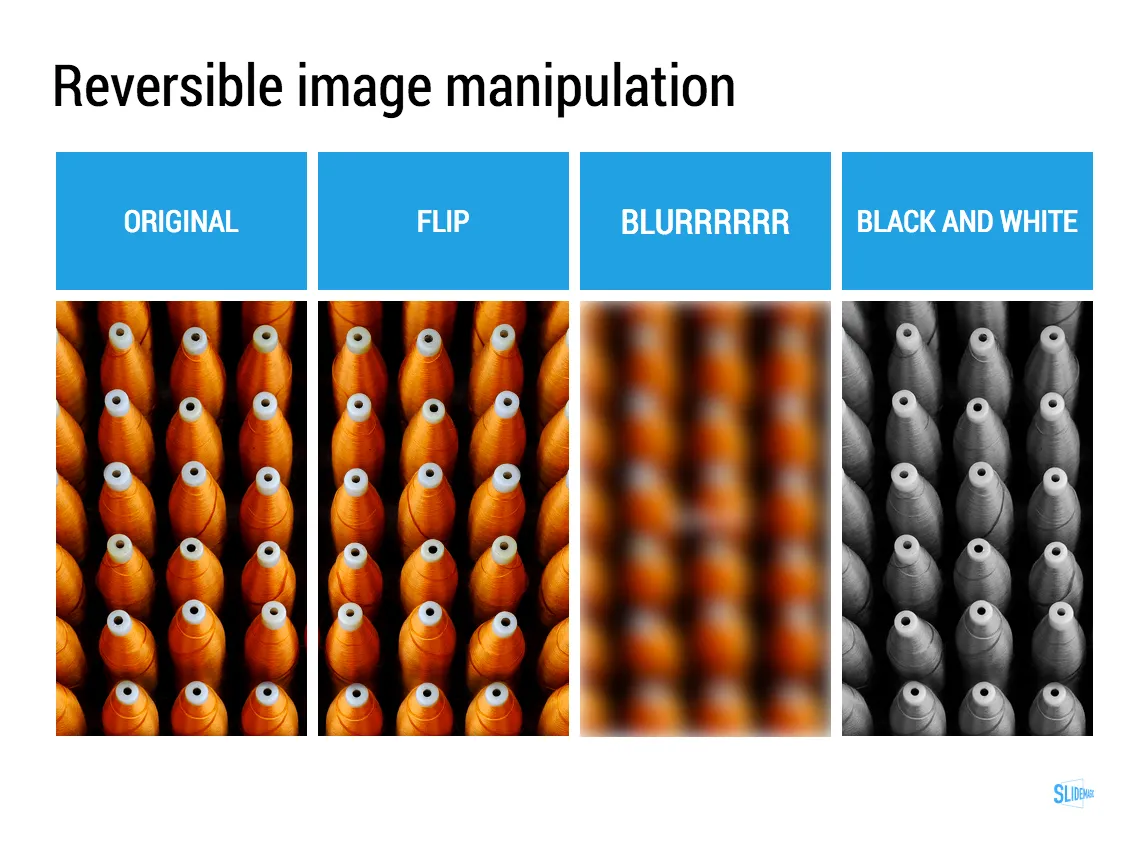
Most presentation design software is loaded with image manipulation functionality, including the ability to stretch and distort the aspect ratio of a photography. SlideMagic only offers the image manipulation you need most: a horizontal flip, blurring, and black and white conversion. All of which are reversible.
Personally, I use the B&W conversion a lot. Wherever I can, I prefer working with black and white images.
Art: Maarten van Cleve, Kitchen Interior, circa 1565